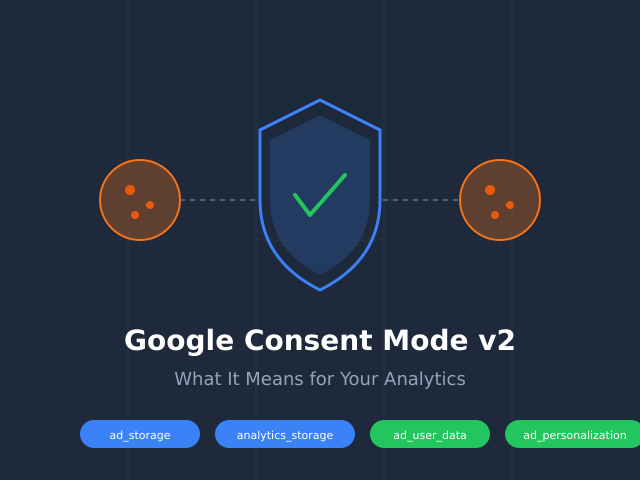
Consent Mode is a way to tell Google’s tools how to act when a visitor has not said yes to tracking. It gives you a middle option. Tools like Google Analytics do not have to be fully on or fully off. They can stay on, but behave politely. That means no cookies and no personal data until the visitor agrees.
The old way was on or off
A cookie is a small file a site saves on your device to remember you. For years, Google’s tools had only two settings. Either they saved cookies and tracked the visit, or they did nothing at all.
That left site owners with a hard choice. Wait for a yes and lose all data from people who say no. Or track everyone right away and break privacy rules. Neither one felt right.
Think of it like a guest in your home
Picture a guest who walks into your house. You would not start writing down everything they do right away. You would wait and ask first.
But you can still be a good host before they answer. You can say hello and notice they arrived. That is Consent Mode. The tool stays awake and polite. It just holds back the personal stuff until the visitor says yes.
A small example
Say 100 people visit your site. With Consent Mode on, here is what happens.
Every visitor gets a friendly hello with no cookies and no name attached. Then a banner asks if they accept tracking. Maybe 60 say yes. For those 60, the tools switch on fully and save cookies. The other 40 stay private. You still know they showed up, but nothing personal is saved.
Without Consent Mode, those 40 people would be invisible. You would learn nothing from them.
What this means for you
If you run Google Analytics or Google Ads, Consent Mode is how you stay polite by default. Your tools wait for a yes before they save anything personal. When someone agrees, the tools open up fully.
You do not have to set this up by hand. A consent banner tool, often called a CMP, can send the yes or no signal to Google for you. Most popular banners already know how to do this.
One thing to do today
Open your site in a fresh window and look for a cookie banner. If you do not have one, that is your first step. The banner is what asks the question. Consent Mode is what listens to the answer. You need both for tracking to stay honest.

 Nathan Hollis
·
2 min read
Nathan Hollis
·
2 min read