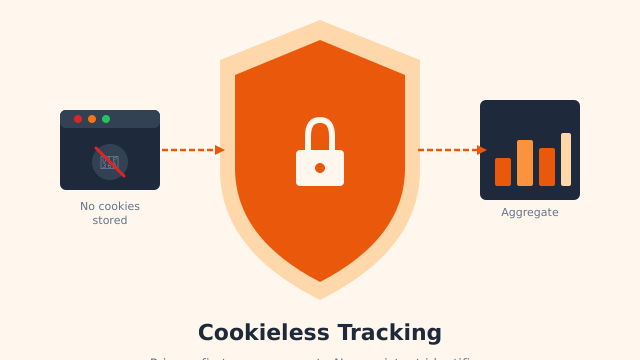
Rybbit is a free tool that shows you who visits your website. It tells you how many people came, what pages they opened, and where they came from. The best part is that it does this without cookies. So you can skip those annoying “accept cookies” pop-ups. Here’s what it does and whether it’s worth a try.
What does it actually do?
Think of Rybbit like a guest book for your site. Every time someone opens a page, it makes a quiet note. It does not store their name. It does not follow them around the web. It just counts visits.
Most big tools, like Google Analytics, drop a cookie on each visitor. A cookie is a small file the website saves on your computer. That’s why sites ask for your “okay” first. Rybbit does not use cookies at all. It still counts people, just in a private way. So in most places, you won’t need a consent pop-up.
A quick example
Say you run a small blog. You open Rybbit and see a clean page. It updates live, second by second. Right now it shows 12 people reading. It says 40 visits came today. Most came from a Google search. One page, your recipe post, got the most clicks.
That’s it. No setup that needs a manual. No charts you can’t read. You just see what’s happening in plain words and numbers.
You can also click to sort the visits. Want to see only people on phones? Click once. Want only visitors from one country? Click again. The view changes right away. This makes it easy to spot what’s working on your site.
How much does it cost?
You can run Rybbit free on your own computer or server. Or you can let Rybbit run it for you for a small monthly fee. The free way takes a bit more tech skill. The paid way is faster to start. Both show you the same simple data.
Should you try it?
Try Rybbit if you want a clear, private view of your visitors. It’s a great pick if you hate cookie pop-ups and don’t need fancy reports. Big companies may want deeper tools. But for a blog or small site, Rybbit gives you just enough.
Want to test it? Run the free version on your own server, or start the paid cloud plan if you’d rather skip the setup. Either way, you paste one line of code into your page. Then watch your first visitors show up live.

 Nathan Hollis
·
2 min read
Nathan Hollis
·
2 min read